
AI Drawing Colorizer
Add vivid color to drawings, line art, and coloring pages while preserving the original outlines.
Powered by OpenAI's GPT Image 2.5 (Flare) model.
Login to Colorize Images
Sign in to add beautiful colors to your black-and-white images with our AI technology
Sign up with Gmail in about 8 seconds
Original uploads are used for processing and are not saved. Generated results stay in your private Gallery until you delete them from Gallery.
Select Your Image
Drag and drop an image here, or click to browse
Supports JPG, PNG, WebP up to 10MB. Large images are resized automatically before sending.
🖌️ Example


What does AI Colorize do?
Input
Upload black-and-white line art, a coloring book page, or an AI coloring page.
Output
A colored image that keeps the original outlines visible.
Credits
Each colorized result uses 1 credit. New accounts include 2 free credits.
Pair it with
First make line art with the Coloring Page Generator, then colorize it.
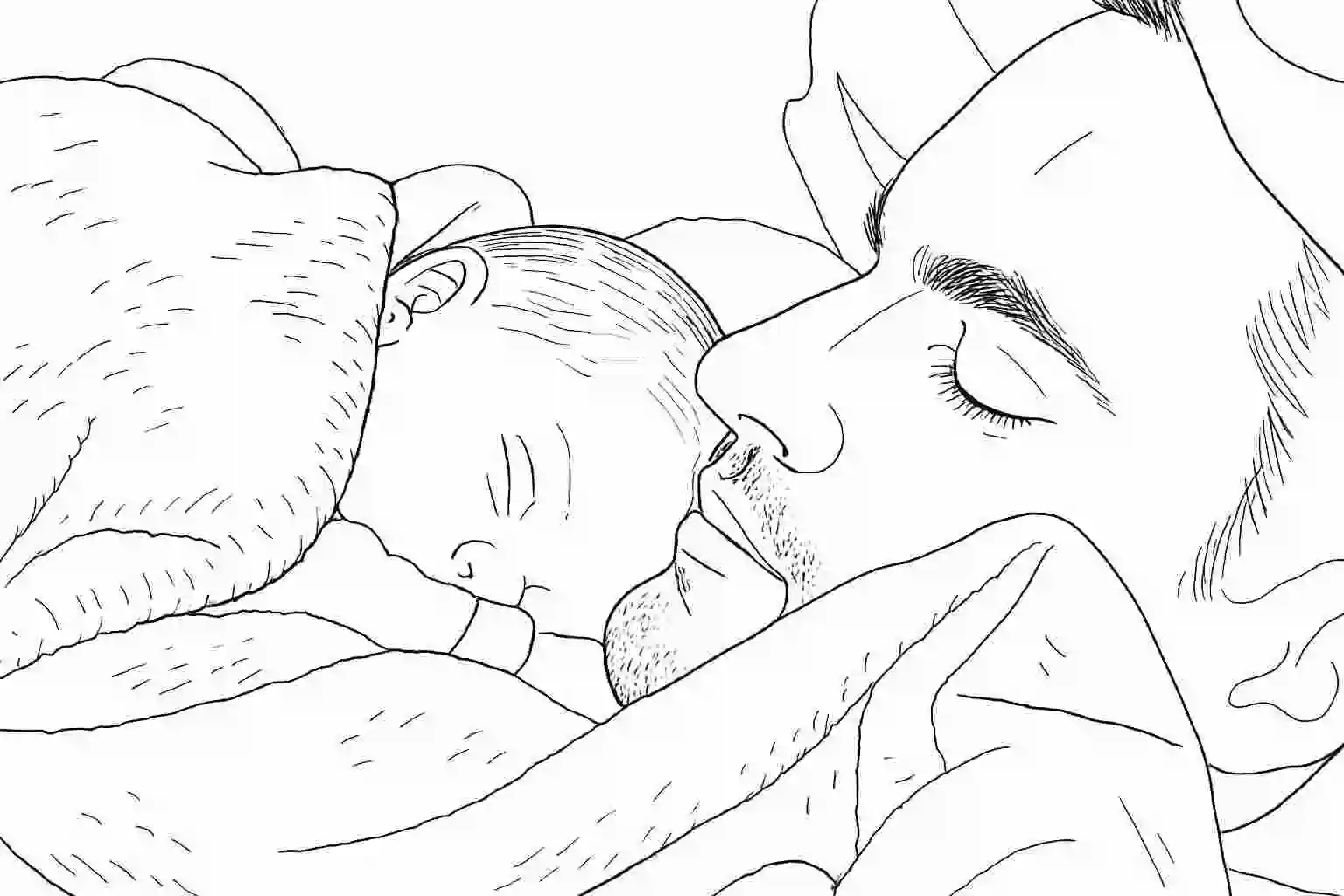
✨ Father and Son
Add vivid colors to any black-and-white coloring page.

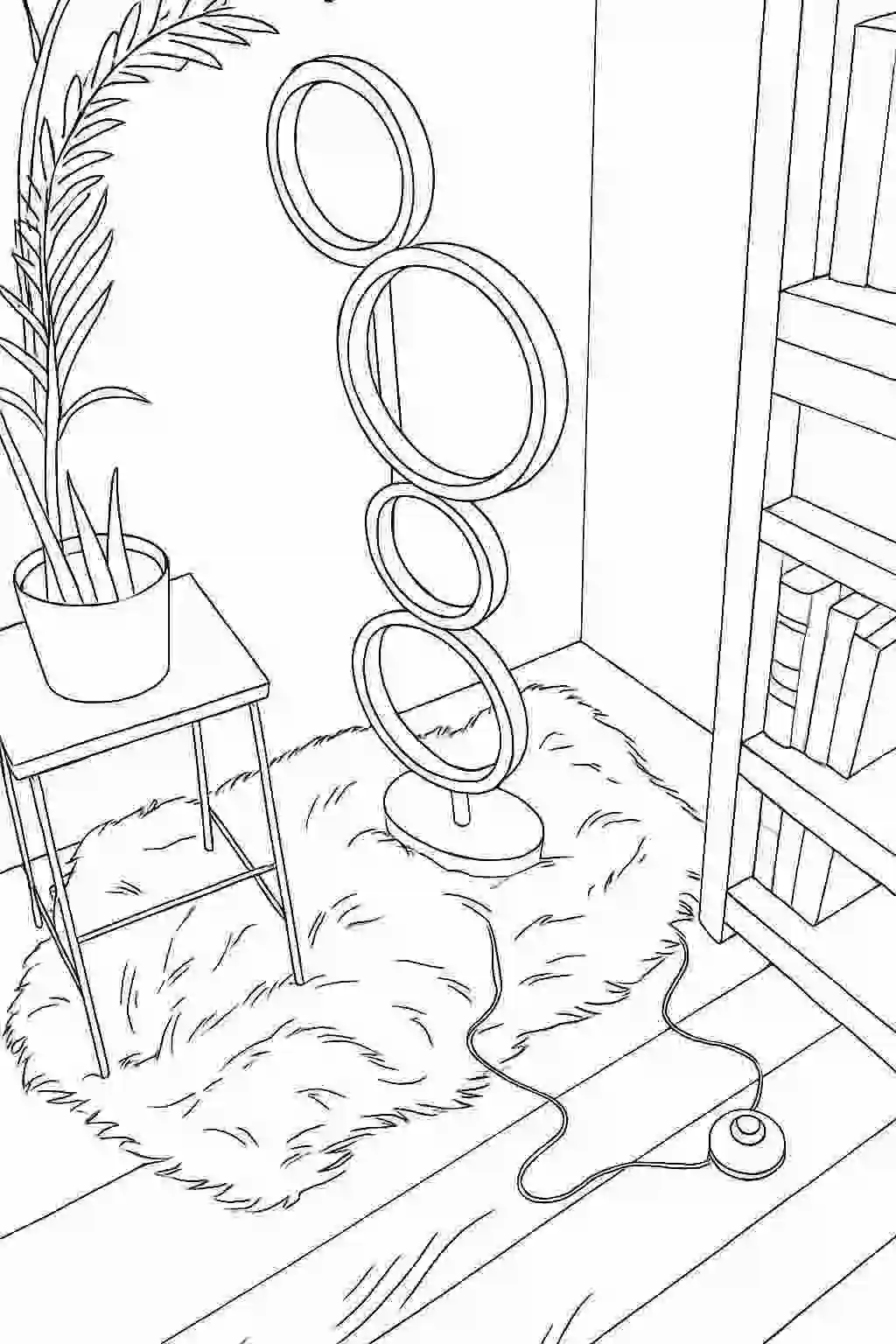
✨ Corner of the Room
Add vivid colors to any black-and-white coloring page.

❓ Frequently Asked Questions
How does the AI line art colorizer work?
Upload a black-and-white drawing, sketch, or coloring page. The AI fills the shapes with color and keeps your original black outlines in place, so the result still looks like your drawing rather than a new picture.
Can it colorize manga, anime, or comic line art?
Yes. Clean inked line art works best: closed outlines, little shading, and a white background. Scanned or photographed pages work too if the lines are sharp and the paper is evenly lit.
Can I colorize a child’s drawing or a finished coloring page?
Yes. The default style colors it the way a child might, with a few realistic colors and black lines kept. Turn on Vivid Colors for brighter, more creative colors and soft gradients where they fit.
Can I choose the exact colors?
Not yet. You can pick between the default style and Vivid Colors. If you want a different look, generate again; each attempt uses one credit.
How do I get the best results from a pencil sketch?
Trace over faint pencil lines with a dark pen, photograph the page straight on in good daylight, and crop away the table and shadows. Strong, connected outlines give the AI clear areas to fill.
How long does colorizing take?
Usually 20 to 40 seconds. You can leave the page and find the result in your Gallery later; it is saved automatically.
Can I download and print the colorized image?
Yes. Download it as a high-resolution image without a watermark, print it from the page, or share it.
How many images can I colorize?
Each colorization uses one credit. New accounts get 2 free credits, and more are available as one-time packs on the Pricing page. Credits never expire.
✨ What Makes This Special
Preserves Original Shape
Keeps all proportions, line lengths, and unique characteristics exactly as in the original image
Realistic Coloring
Transforms images into colored images
Keeps Original Image Lines
Preserves the original image lines and fills it with colors
Creative Colors
Creates creative colors with an option to make it more vivid
💡 Tips for Amazing Results
Clear Lines
Images with clear, visible lines work best for transformation
Black and White
Black and white images work best for transformation
Good Lighting or Digital Images
Well-lit images produce the best results (or just digital images)